What Is a Test in EasyEnv?
In EasyEnv, a test is created for a specific job role (for example, Software Engineer, Site Reliability Engineer, or Data Analyst).
Each test contains a set of questions designed to evaluate candidates for that role.
Once the test is ready, you assign candidates to it.
👉 Every time you add a candidate to a test, it becomes an interview.
So in short:
- Test = role + questions
- Interview = a candidate taking that test
How to Build a Test in EasyEnv
Follow these steps to build a test in EasyEnv.
1. Go to Test List
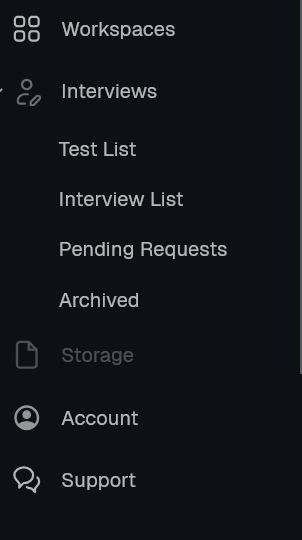
In the left menu, click Interviews, then Test List.
2. Create New Test
Click the blue Create New Test button.

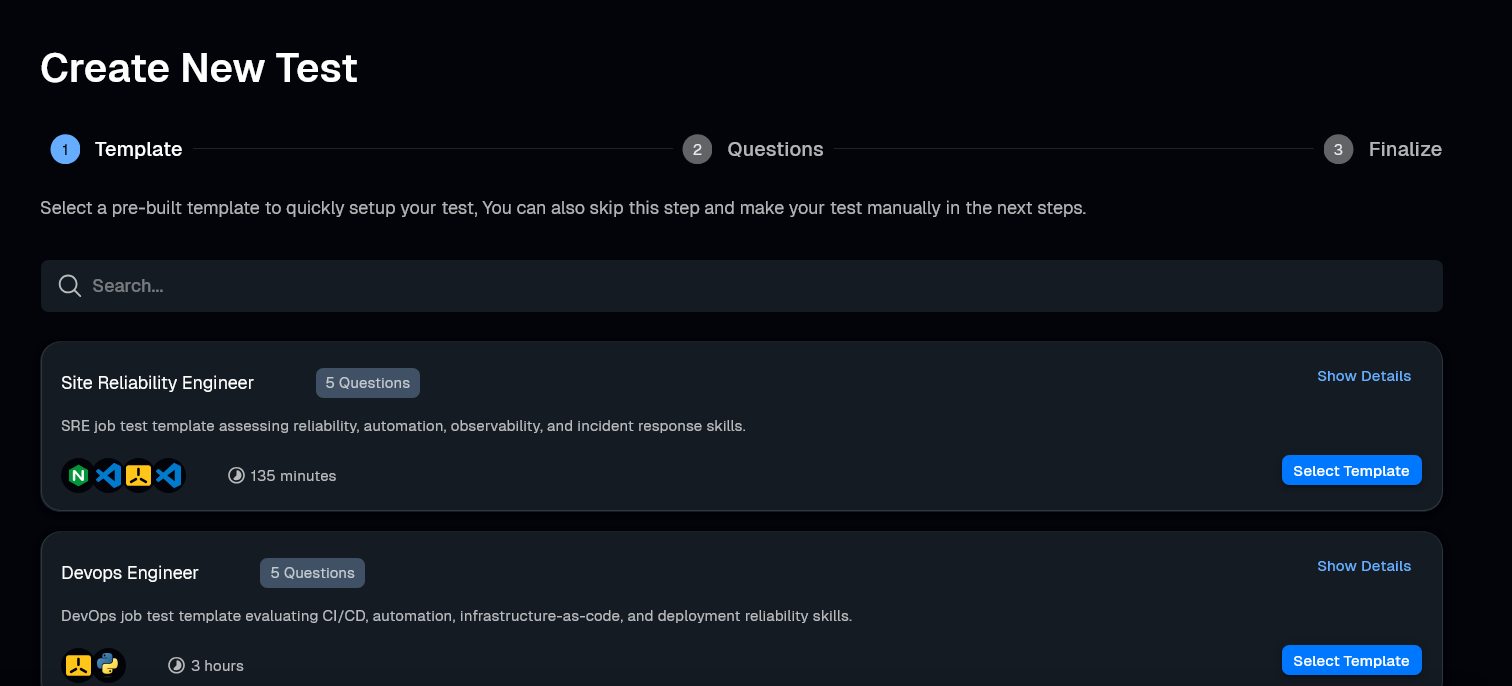
3. Choose a Template (Optional)
Select a template (like Site Reliability Engineer) to start with pre-selected questions. You can add more questions to this list in the next step.
4. Add Questions
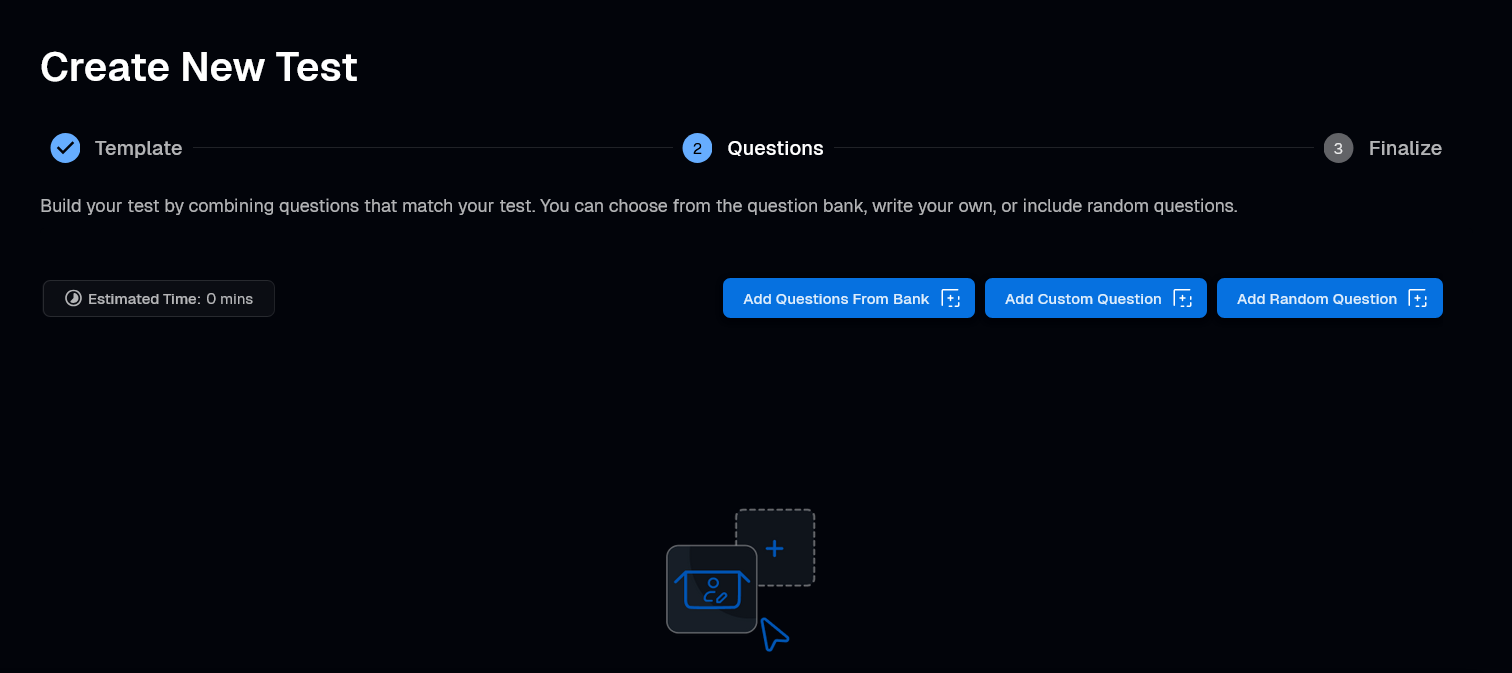
In the Questions step, you can mix and match three different ways to add questions:
A. From Bank
Click Add Questions From Bank to select specific questions.
Use the filters: Library, Type, Difficulty, and Time.
Check the boxes for the questions you want.
Click Add.

B. Random Questions
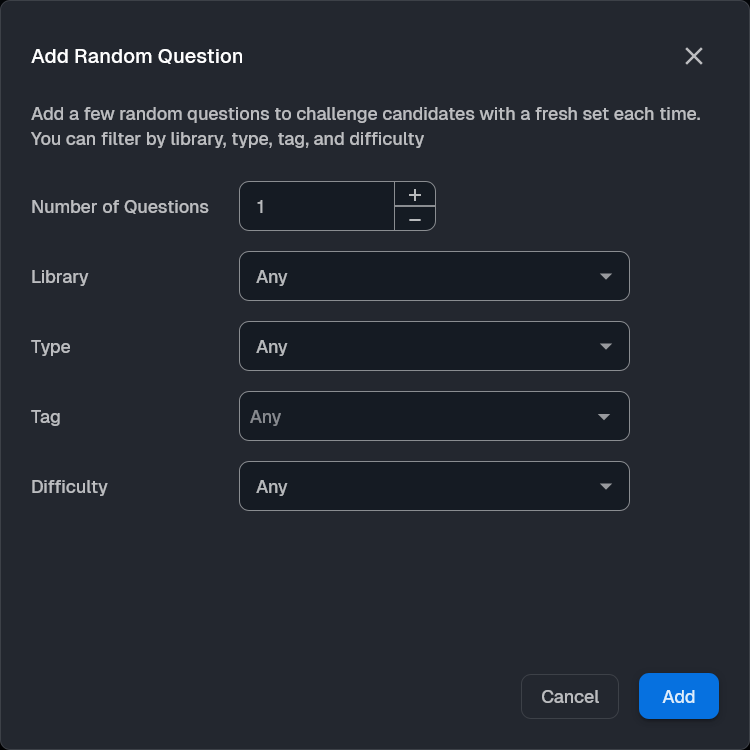
Click Add Random Question to let the system pick for you.
Enter the Number of Questions (e.g., 3).
Set filters like Type, Tag, or Difficulty (e.g., "Hard").
Click Add.
2. 
C. Custom Question
Click Add Custom Question to create a new question from scratch.
[Read the full guide on creating custom questions here]
5. Finalize
In the last step, enter the test details:
Test Name: Give your test a title.
Test Duration: Set the time limit.
Description: Add a short description.
Job Details (Optional): Add Job Title and Job Location.
Publish: Check Publish in easyenv hire to make it public, or Auto approve to automatically create interviews for applicants.
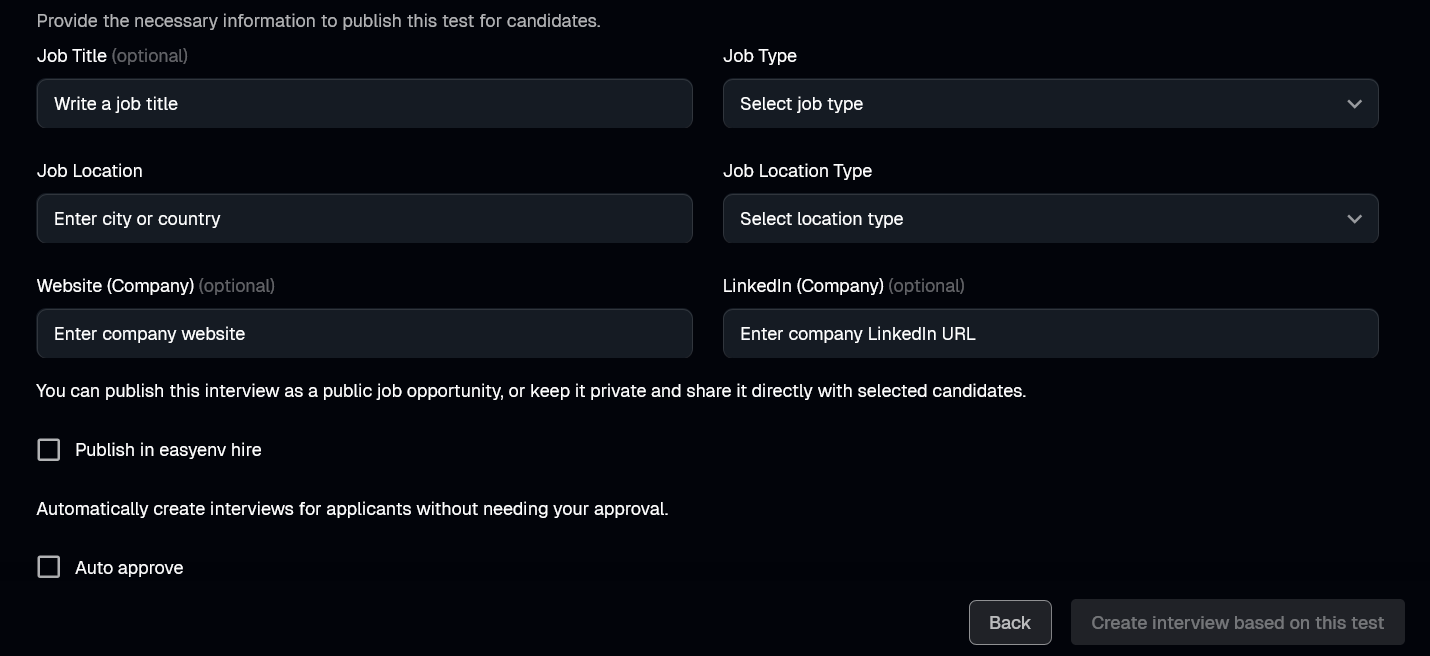
Click Create to finish.